
workshop online
Real-life Kubernetes
Kubernetes for effective operations!
 Level: advanced
  Duration: 2 days
  Language: English
 This course focuses on the most commonly used Kubernetes features as well as provides practical tutorials and real-life examples of deploying distributed applications.

 About the Real-life Kubernetes Course
This course focuses on the most commonly used Kubernetes features as
well as provides practical tutorials and real-life examples of deploying distributed
applications, managing networking primitives (load balancers, proxies), setting
up persistent data storage, dynamic configuration management, and many other exciting
features built into the core of Kubernetes.
 What You'll Learn in This workshop
-
 Deploy and manage applications on Kubernetes with pods, deployments, and services
 - Configure persistent storage, stateful sets, and dynamic configuration management
- Implement security with RBAC, network policies, and secrets management
- Build Helm charts and custom operators for advanced cluster operations
 Real-life Kubernetes Outline
1. Module 1: introduction
- • Architecture overview: master node, worker nodes, etcd, kubelet, controllers
- • Anatomy of a pod: the main container, init containers, sidecars, labels, probes
- • Basic commands and debugging tricks
- • Practice: deploy an application as a Pod with the primary process, umplement initialization logic executed in init containers, add watchdog containers and probes
2. Module 2: deployments and services
- • Anatomy of a deployment: types of deployments, replica set, replica count
- • Introduction to Kubernetes networking
- • Anatomy of a service: traffic routing, labels, port mapping
- • Service types: node port, cluster IP, load balancer
- • Anatomy of kubeproxy
- • Introduction to service meshes
- • Practice: configure application traffic routing, implement different service types, implement canary release procedure
3. Module 3: storage
- • Persistent volumes: volumes types, volume resizing, volume snapshots
- • Working with complex deployments: stateful sets
- • Job and Cron-jobs
- • Practice: configure stateful deployment for an HA database (PostgreSQL or MariaDB); configure an HA caching layer (Redis) for your application; implement a scheduled backup procedure for an HA database
4. Module 4: configuration management
- • Configuration management: config maps, reloadable configurations
- • Deployment time configuration injection with Kustomize
- • Secrets management and integration with service discovery service (Consul and Vault)
- • Introduction into Kubernetes admission webhooks and cluster events
- • Practice: implement two environments (applications + data storage) running in different namespaces with different settings, implement automatic configuration propagation at run time using different mechanisms
5. Module 5: resource control and scheduling
- • Resource management: resource requests and limits
- • Anatomy of a node pool
- • Taints and tolerations, scheduling internals
- • Dive into built-in resource monitoring and metrics
- • Auto-scaling policies and range limiters
- • Practice: adjust resource limits for existing deployments; implement auto-limit and auto-scaling policies
6. Module 6: security
- • Cluster security with RBAC, service accounts, cluster roles, namespace security
- • Integrating with external security providers
- • Pod security and network policies
- • Practice: implement cross-environment security policies with the help of service accounts and external LDAP integration; limit network traffic between pods
7. Module 7: advanced operations
- • Day-1 vs. Day-2 operations
- • Introduction to Helm charts
- • Introduction to Operator pattern
- • Custom resource definitions
- • Practice: implement operator from a given template with Bash or Python
 Who Should Attend
-
 developers
 - software architects
- technical project managers
- system administrators
 What's Included
Unique content - real-life use cases, modern infrastructure,
CI/CD/GitOps principles shown in practice.
Certificate of attendance - you will get a shareable online certificate.
 Exam after the course - you may pass an optional 1-hour exam and
get your score printed on the certificate.
Exam after the course - you may pass an optional 1-hour exam and
get your score printed on the certificate.
 Workshop happens online - join from the convenience of your office or home.
 Video recordings will be available after the course - you can revisit some topics later.
 Live and interactive - you can ask questions in the chat or over audio and
get live clarifications.
Live and interactive - you can ask questions in the chat or over audio and
get live clarifications.
 Q&A session in the end of each day - you will to get answers to more
complex questions in a 1-hour long Q&A session.
Q&A session in the end of each day - you will to get answers to more
complex questions in a 1-hour long Q&A session.
 Quizzes and polls during the course - learning should be fun!
 Practical exercises with solutions - lots of simple and not-so-simple
tasks to practice with during the course; Solutions will be provided afterwards.
Practical exercises with solutions - lots of simple and not-so-simple
tasks to practice with during the course; Solutions will be provided afterwards.
 Additional home work - for those who want to practice more after the course;
Homework will be reviewed and supplemented by constructive feedback.
Additional home work - for those who want to practice more after the course;
Homework will be reviewed and supplemented by constructive feedback.
 Lifetime e-mail support - you can get answers on anything related to the
course content as well as advice based on your company specific situation.
Lifetime e-mail support - you can get answers on anything related to the
course content as well as advice based on your company specific situation.
 Course Dates
 Pricing
Frequently Asked Questions
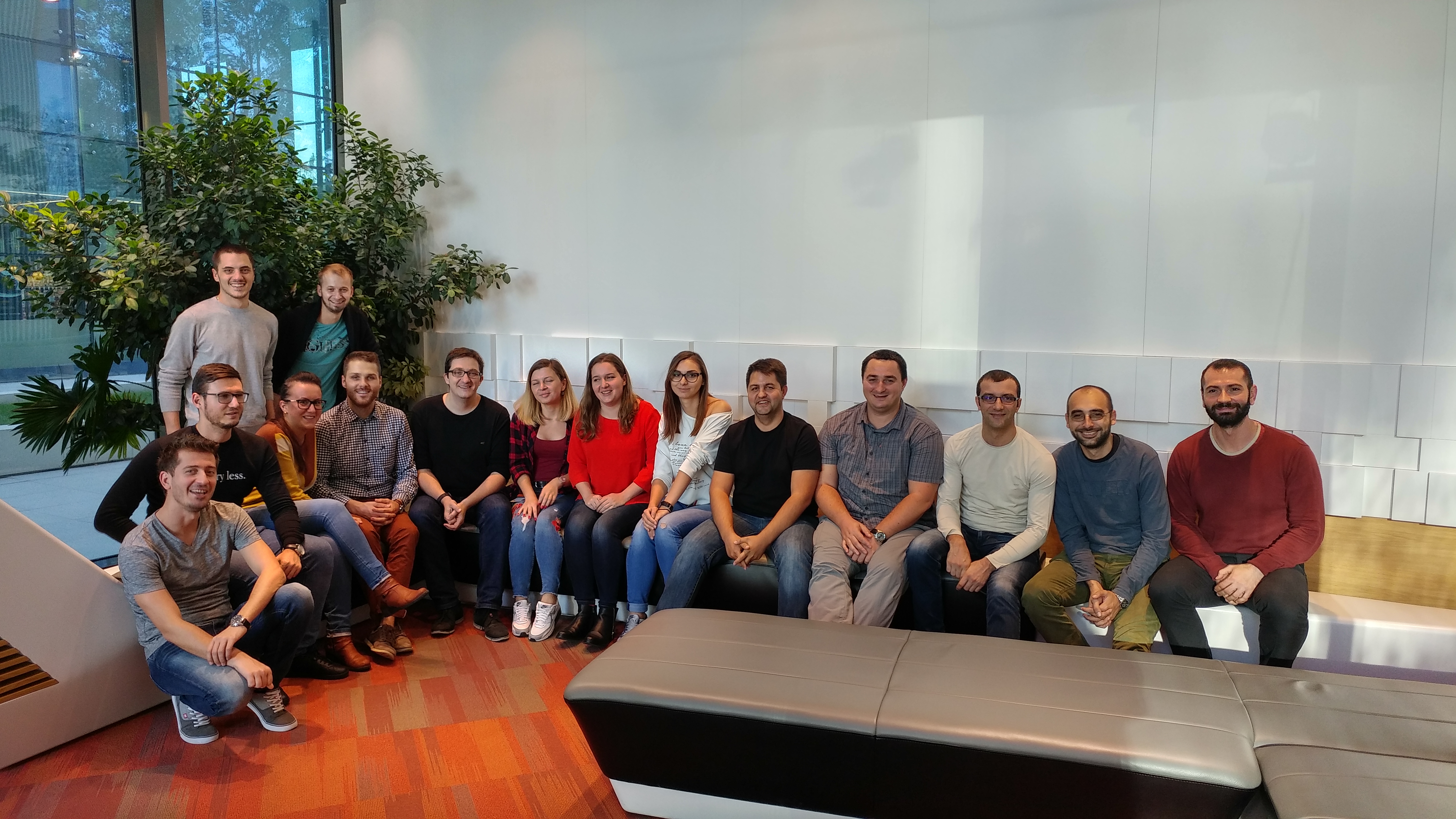
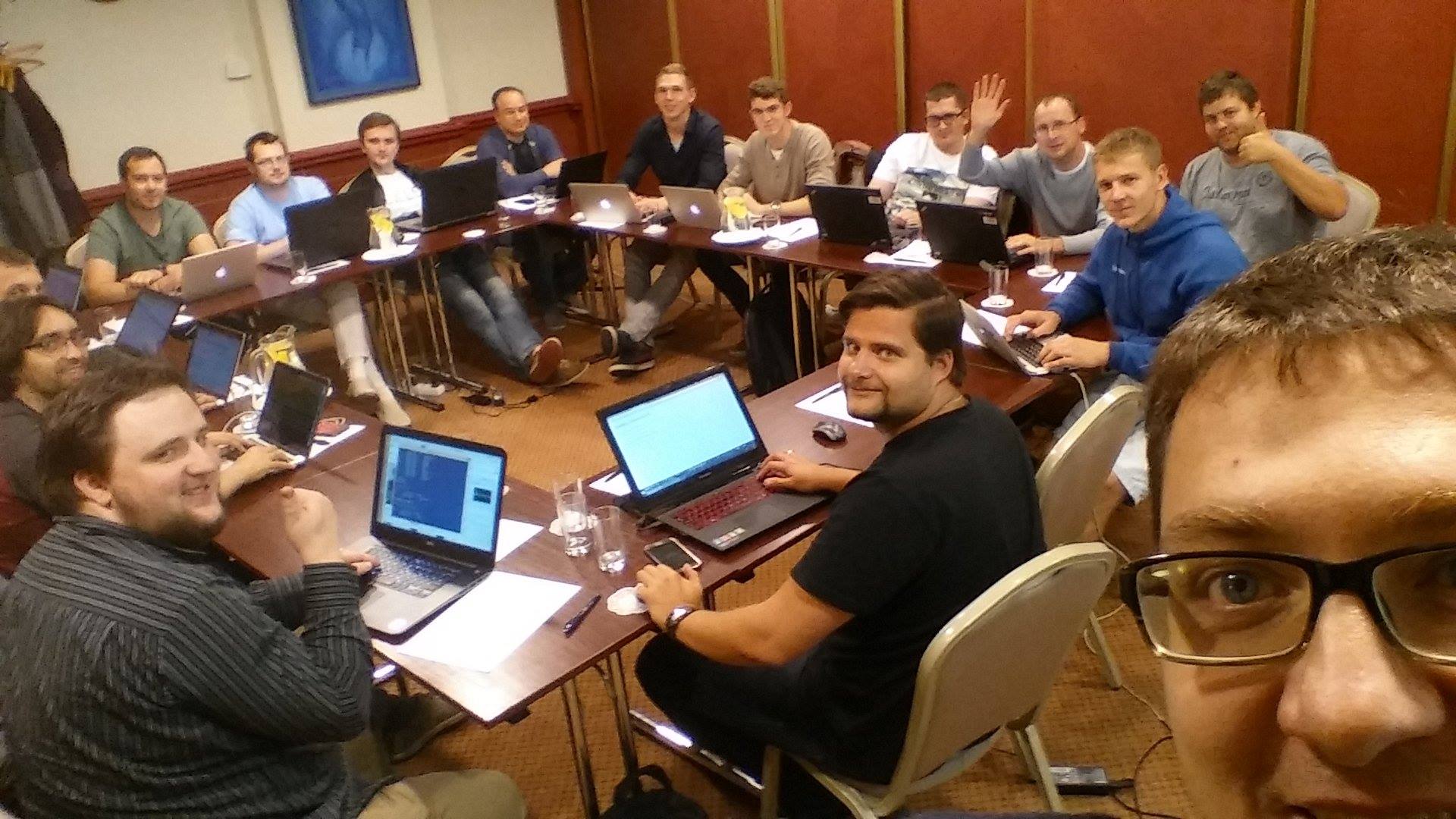
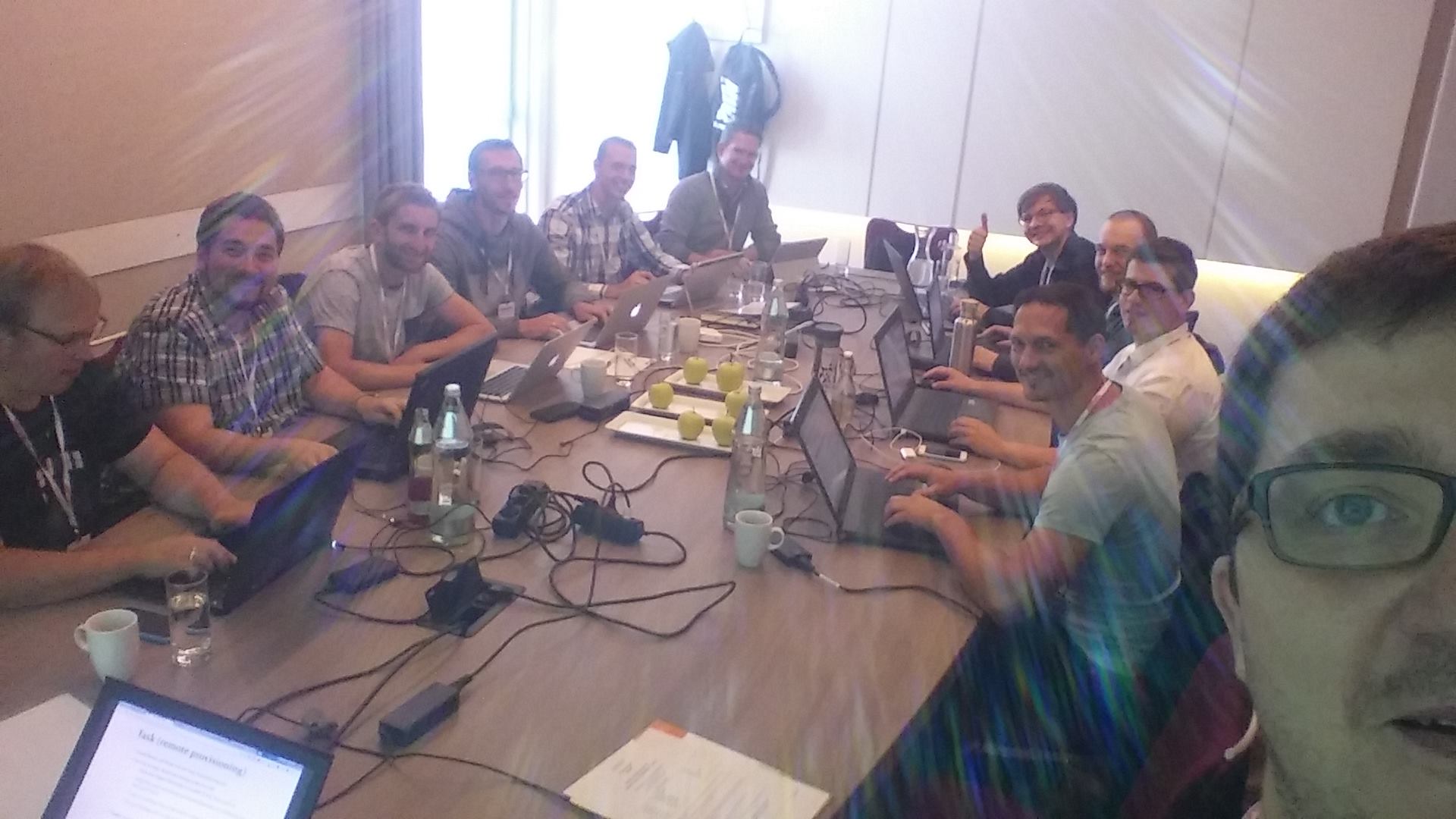
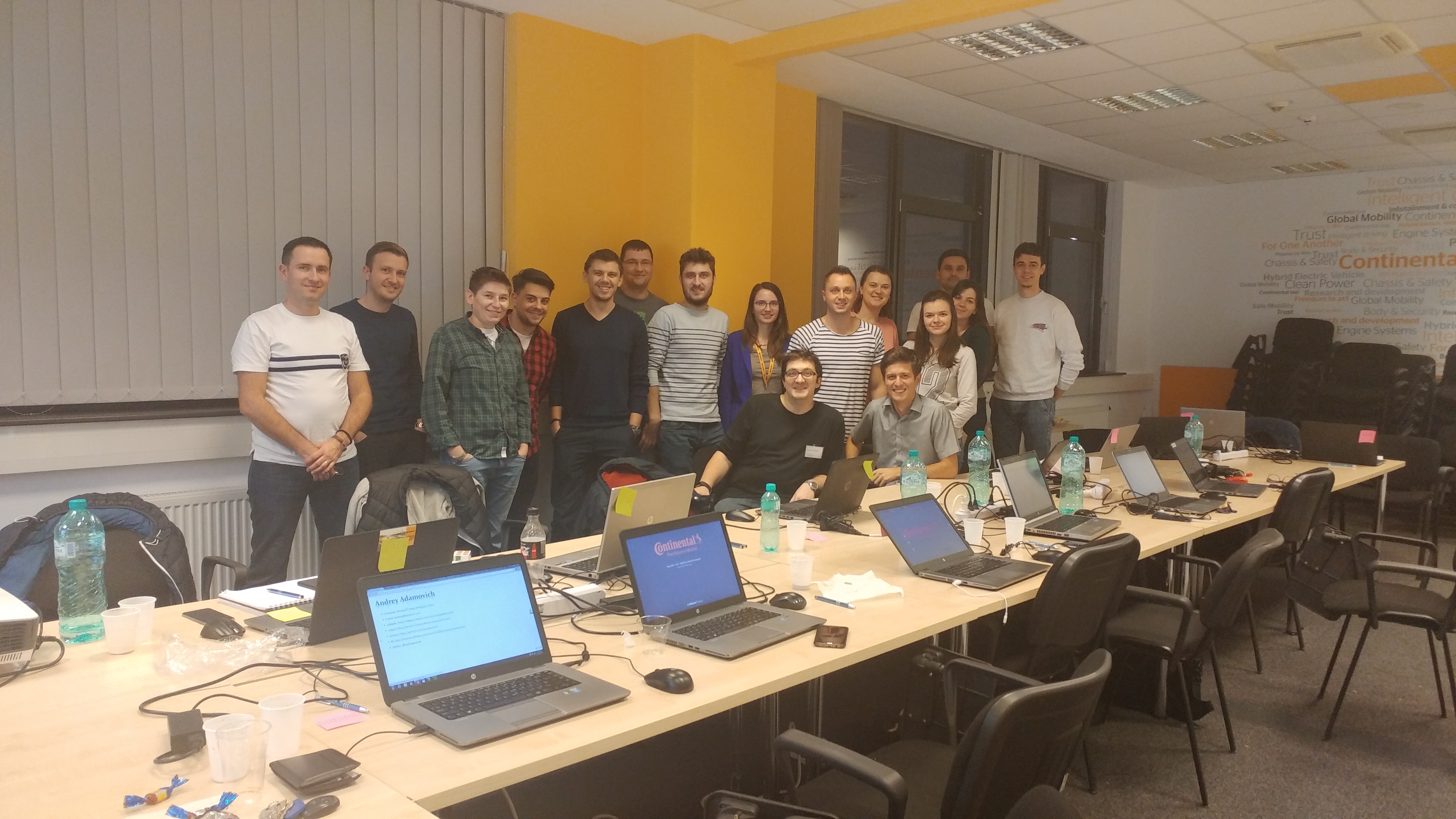
Workshop Impressions
Preparation Instructions
Before attending the workshop, please review the preparation instructions to ensure you have all the necessary tools installed.
Ready to Get Started?
Register now and take your skills to the next level.

 Popular
  Nov 4, 2026 - Nov 6, 2026
